Videos and Tutorials
7 results for "CR350"
Documenting Data Logger Wiring Using an Excel Template
March 22, 2024 (5:41)
This video demonstrates how to create a wiring diagram for a data logger system using a spreadsheet. The spreadsheet contains tabs featuring images of the wiring panels for the CR1000X, CR6, CR300, CR310, and CR350 dataloggers. Employing a
CR350 LET'S GO
April 7, 2022
Link to the CR350 LET'S GO section of the online manual.

CR350 QuickStart Part 5 - Wi-Fi Communications
September 21, 2021 (9:59)
Some Campbell Scientific data loggers, including the CR350-WIFI, include integrated WIFI communications. For data loggers without integrated WIFI, an NL241-WIFI interface may be connected externally to add WIFI functionality. WIFI provides

CR350 QuickStart Part 4 - Send a Program, Collect and View Data
September 20, 2021 (4:22)
Use PC400 to send a program, view real-time measurements in the Table Monitor, collect data, and display collected data. Follow along in the CR350-series Getting Started Guide.

CR350 QuickStart Part 3 - Create a Program and Wire Sensors
September 20, 2021 (6:10)
Create a CR350 program using Short Cut, Campbell Scientific's program generator. Wire your sensor accordingly. Follow along in the CR350-series Getting Started Guide. A type T thermocouple is used in this example.

CR350 QuickStart Part 2 - Configure Software and Monitor Data
September 20, 2021 (4:49)
Using PC400, install the USB driver for the CR350 then connect it to your computer. Once connected you’ll set the CR350 clock and view real-time measurements.
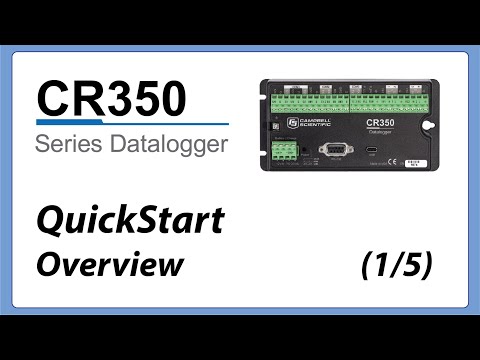
CR350 QuickStart Part 1 - Overview
September 20, 2021 (1:59)
Getting started with your new CR350 is easy by following along with this tutorial series, https://help.campbellsci.com/CR350/start.htm, or in the CR350-series Getting Started Guide. Let’s get started by unpacking the CR350 and taking a look