RTDM
RTDM
End of lifeReal-Time Data Monitoring Software
Pricing
- Model:
- RTDM
- Item Number:
- RTDM
- Lead time:
- 21 days
Overview
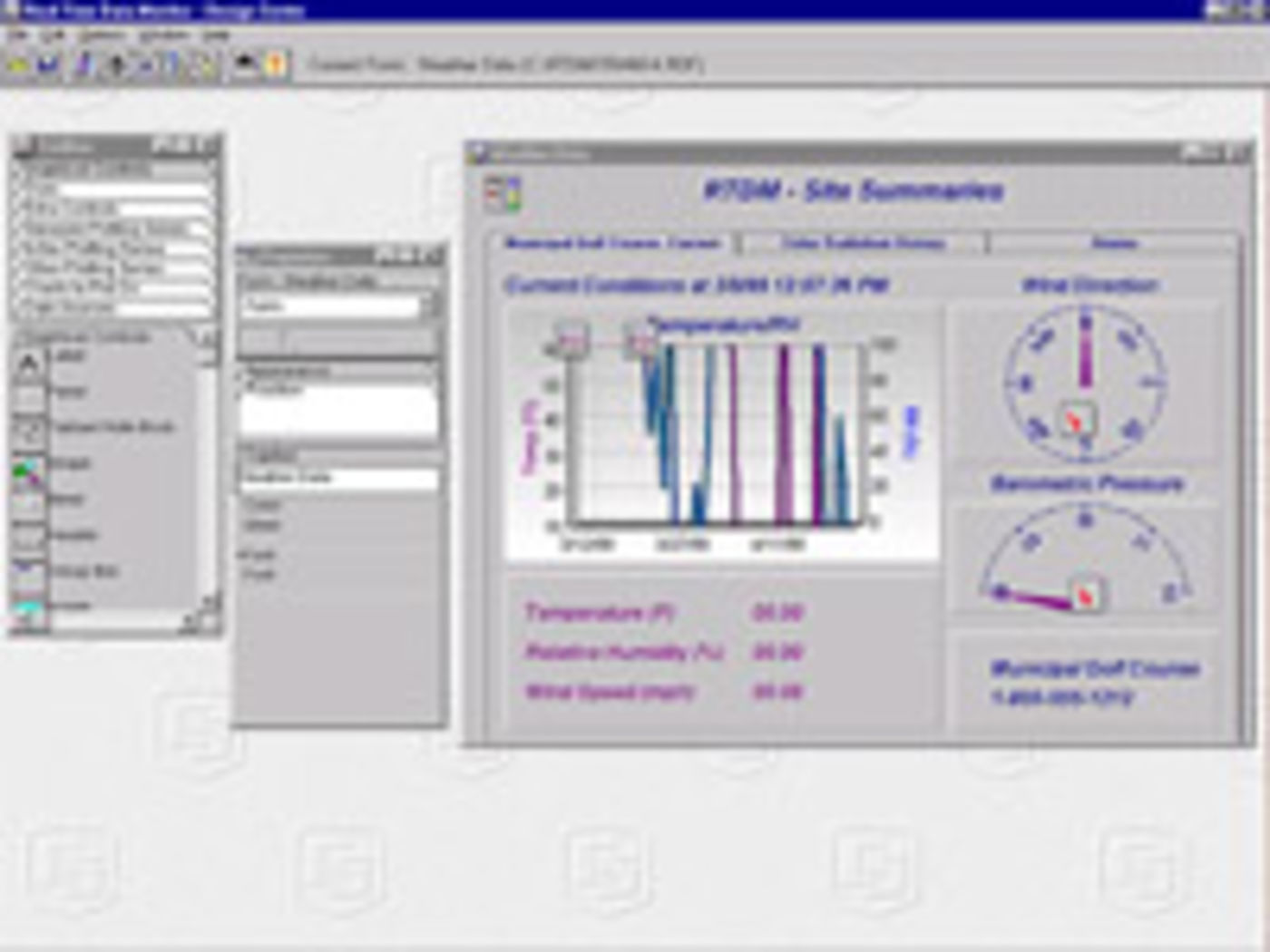
RTDM displayed data that was stored in data files and/or on a LoggerNet server. The data could be displayed graphically in strip charts, dials, or meters, and as digital values. Users created a display panel by pasting graphic objects on a design form and linking them to data values. The form automatically updated as new data was added to the data file or was made available by the LoggerNet server. Users could click on the run-time display to zoom in or display the digital values associated with the points on a line.
Technical Description
RTDM displayed data that was stored in data files and/or on a LoggerNet server. The data could be displayed graphically in strip charts, dials, or meters, and as digital values. Users created a display panel by pasting graphic objects on a design form and linking them to data values. The form automatically updated as new data was added to the data file or was made available by the LoggerNet server. Users could click on the run-time display to zoom in or display the digital values associated with the points on a line.
RTDM also output GIF, JPEG, PNG, and BMP images of any object on the form for use on WWW pages. Although RTDM had many features, it was harder to use than RTMCPro, its replacement. RTDM was developed by Campbell Scientific Limited. The last shipping version was version 2.0 (32-bit), which replaced version 1.6 (16-bit) in March 2003.
Benefits
- Interactive controls that allow the input locations, public variables, ports, and flags to be changed via a LoggerNet server
- Results displayed of user-entered algebraic expressions
- Alarms triggered based on user-set values
Specifications
- System Requirements
- VGA monitor
(SVGA 800 x 600 with 256 colors or greater recommended)
- System Requirements
- Pentium class or better CPU
- System Requirements
- Requires at least 64 MByte of RAM and at least 25 MByte of available hard disk space.
Additional RAM is recommended if LoggerNet or PC208W is running at the same time on the same computer