LoggerNet Mobile Connect
Apps for iOS and Android
LoggerNet Mobile Connect
OrderableApps for iOS and Android
Overview
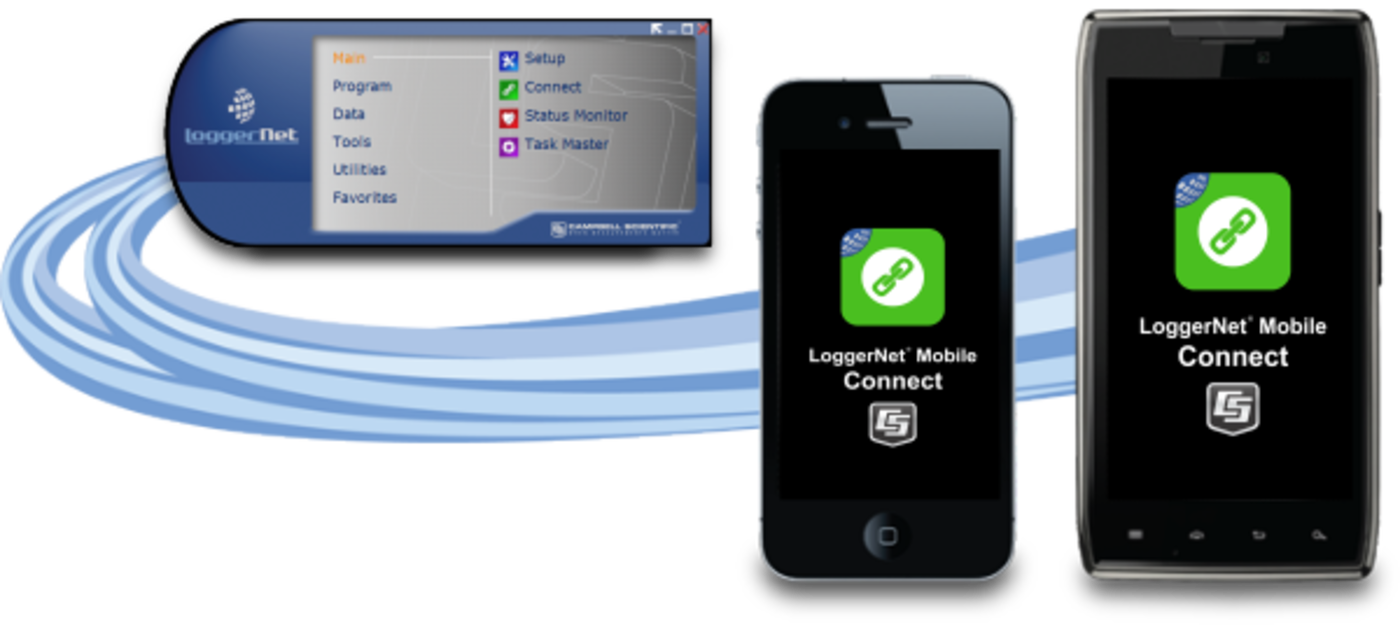
LoggerNet Mobile Connect is a simple, yet powerful, tool that allows communication with any station in your LoggerNet network using an iOS or Android device. It gives you access to the LoggerNet server anywhere your mobile device has a data connection.
LoggerNet Mobile Connect Mobile Apps are free and available through the Apple Store or Google Play.
Key Advantages
Mobile Apps
Access your LoggerNet network from anywhere
Access your LoggerNet network from anywhere
Technical Description
The LoggerNet Mobile Connect apps have the following pages that allow you to interact with data loggers in your LoggerNet network map:
- Numeric Display—displays the current record for any data table in the data logger. Settable values (including Public table numeric, boolean, and string values and Status table values) can be changed from this page.
- Historic Page—displays the data logger’s current data table data in a graph or table. You select the table, fields, and data range to be displayed.
- Custom Collect Pagea—allows you to collect data from one or more data tables in the data logger, and store that data on your mobile device. Data is stored in a TOA5 format. Once collected, data can be viewed on the device or emailed and viewed on a PC.
- Files Pagea—used to view the files on the data logger’s drives as well as pause/resume the currently running program. You can also view and edit files (including program files) on the data logger, send files to the data logger, get files from the data logger, or set the run options for a data logger program file.
- Status Page—shows important information about the data logger, such as the current program, errors, card status, battery status, and clock. It also allows you to send a program to the data logger and set the data logger clock.
File transfer between your mobile device and a PC
- iOS—Collected data files and other files retrieved from the data logger can be sent via email to a PC. LoggerNet Mobile Connect also supports file association for CRBasic program files. This allows you to save a program file sent as an email attachment to LoggerNet Mobile Connect’s directory on your iOS device. You can then send the program file to a data logger using LoggerNet Mobile Connect. A file-sharing application such as Dropbox can be used to transfer program files from the PC to the iOS device, and data files from the iOS device to the PC. iTunes is used for all other file transfer between the iOS device and a PC.
- Android—Collected data files and other files retrieved from the data logger can be sent via email to a PC. A file-sharing application such as Dropbox can be used to transfer files between your Android device and a PC. All other file transfer between the Android device and a PC is accomplished by connecting the Android device to the PC as a disk drive.
aThe Custom Collect and Files pages are not supported by mixed-array data loggers such as the CR510, CR10X, or CR23X.
Benefits
- View real-time data and stored data tables in a numeric or graphical format
- Collect data from LoggerNet’s data cache and store it to a file on your mobile device
- Use your mobile device to trigger a manual LoggerNet data collection from a data logger
- Change the value of variables
- Check important status information about LoggerNet and the health of your stations
- Perform data logger maintenance such as sending data logger programs, managing files, and setting a data logger’s clock