LoggerNet
LoggerNet
OrderableConfigurableGSAData Logger Support Software
Pricing
- Model:
- LoggerNet
- Item Number:
- 31031
- Warranty:
- 90 days
- Lead time:
- 14 days
- Compliance:
- demo available on the website
Overview
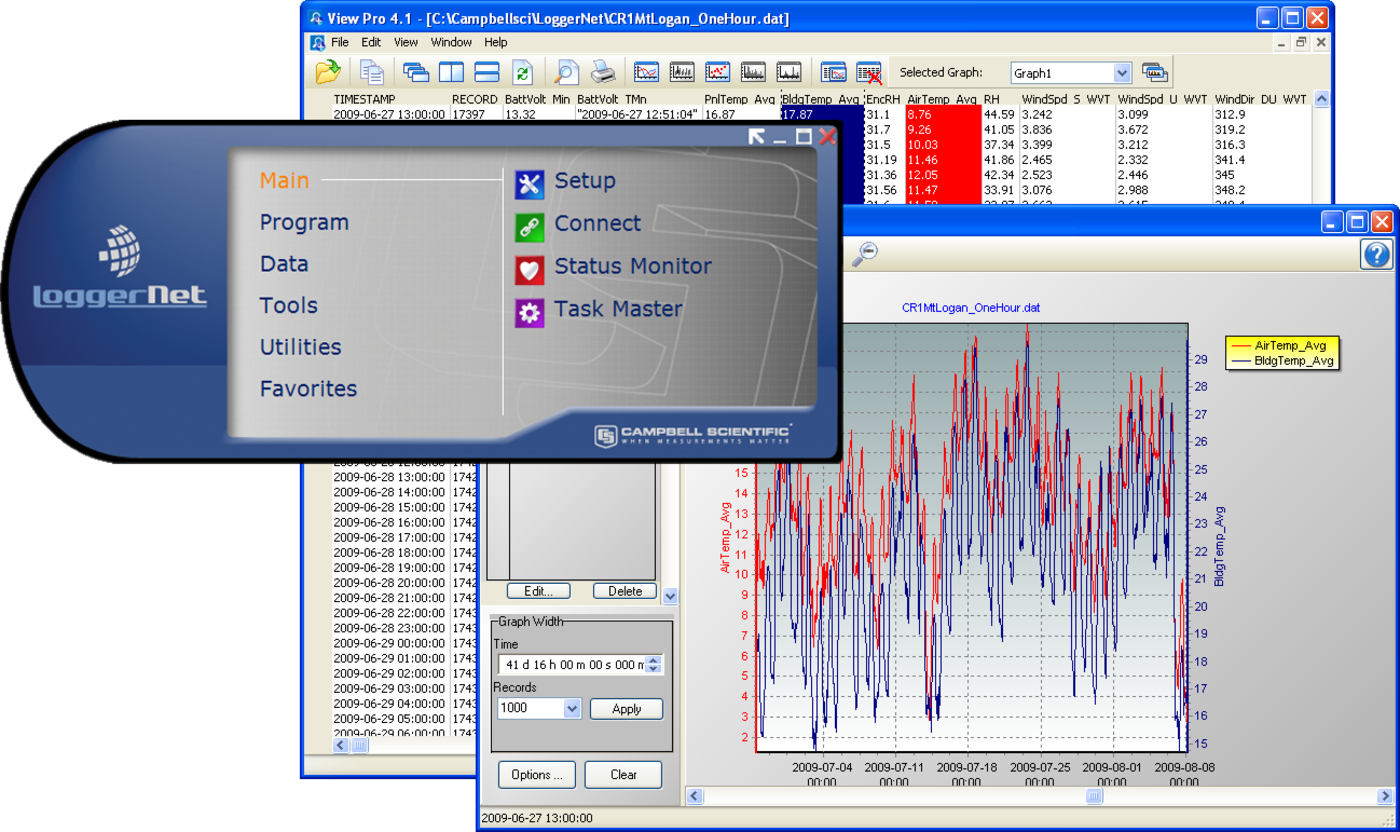
LoggerNet is our main data logger support software package. It supports programming, communication, and data retrieval between data loggers and a PC.
LoggerNet consists of a server application and several client applications integrated into a single product. It can support connection to a single data logger, but it is especially adept in applications that require telecommunications or scheduled data retrieval used in large data logger networks.
A copy of the current software license agreement (end-user license agreement) for LoggerNet is available in the LoggerNet Instruction Manual.
Key Advantages
Contains advanced programming and communication capabilities
Technical Description
The standard LoggerNet software package is recommended for those who have data logger networks that do not require the more advanced features offered in LoggerNet Admin. It includes the LoggerNet server and client applications. The LoggerNet server stores the data in a cache and writes data to a variety of formats, including ASCII, binary, and XML.
The LoggerNet server and client applications enable you to do the following:
- Configure the server to communicate with multiple data loggers via a variety of communications hardware
- Create custom data logger programs using Short Cut, Edlog, or the CRBasic Editor
- Connect to a data logger to check or set the clock, send programs, or perform other administrative functions
- Collect data on demand or schedule
- Monitor and troubleshoot the network
- Display real-time data in a numeric display or graph
- View and graph data files
- Create graphical data displays that update when data is collected and allow you to control flags, ports, and variables
- Create automated tasks
- Process data files using Split
- Save data in formats (including CSV and XML) that can be imported into third-party analysis packages.
The client applications included in the standard LoggerNet software package are the following:
- Setup
- Connect
- Status Monitor
- Task Master
- Short Cut
- CRBasic Editor
- Edlog
- Transformer
- RTMC Development
- RTMC Run-Time
- View Pro
- Split
- CardConvert
- Troubleshooter
- Network Planner
- PakBus Graph
- LogTool
- Device Configuration Utility
- CoraScript
Version History
|
Benefits
- Creates custom data logger programs using Edlog or CRBasic
- Displays or graphs real-time or historic data
- Builds custom display screens to view data or control flags/ports
- Retrieves data using any of our telecommunication options
- Processes data files using Split
- Saves data in formats (including CSV and XML) that can be imported into third-party analysis packages
Specifications
- Operating System
- Windows 11 or 10
(Both 32- and 64-bit operating systems are supported.)
- Requirement
- .NET 4.6.2
- Purchased Separately
- Yes
- Software Level
- Intermediate to advanced
- Communications Supported
- Direct connect, Ethernet, short-haul, phone modems (land-line, cellular, voice synthesized), RF transceivers (UHF, VHF, and spread spectrum), multidrop modems
Combinations of communication devices supported. - Scheduled Data Collection Supported
- Yes
- Data Display Supported
- Numeric, graphical, Boolean data objects
Military Certificate of Networthiness (CoN)
- Certifications
- LoggerNet 4.x is certified as Cert #201416752.
- Certifications
- LoggerNet 4.x is certified as an upgrade to 4.0 and has ASC CoN ID 12274.
Related Resources
Case Studies
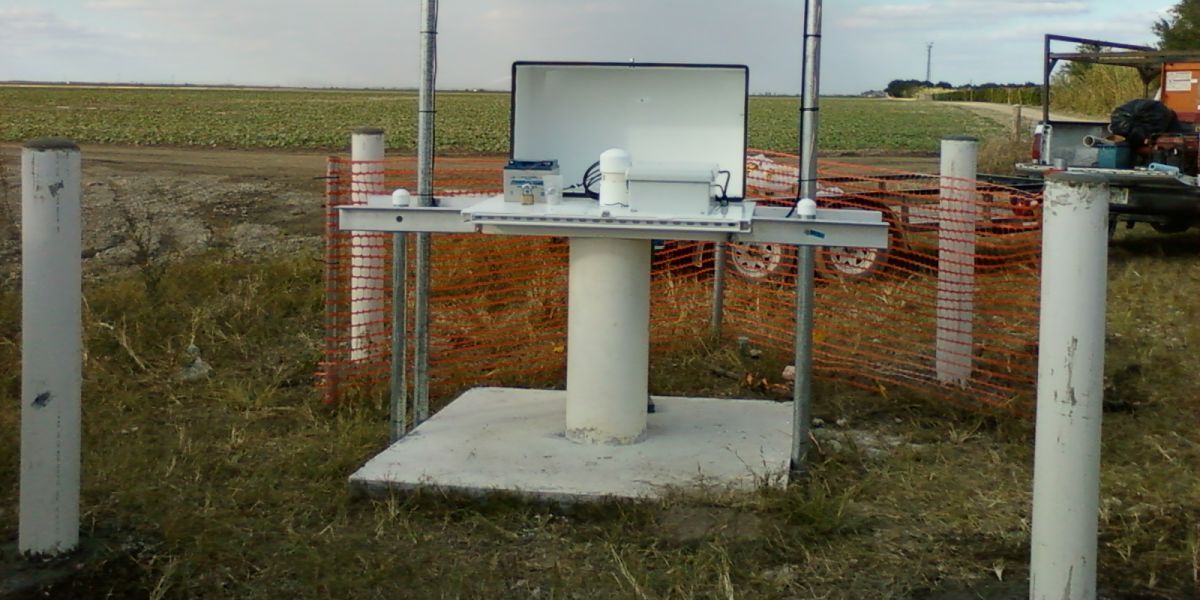
Florida: Protecting an Endangered Species’ Habitat
Monitoring surface water and shallow groundwater levels
Everglades, Florida, USA
February 4, 2014
View
Italy: CS725 SWE Sensor Field Test
Tellinod (Municipality of Torgnon), northwest Italy
February 17, 2016
View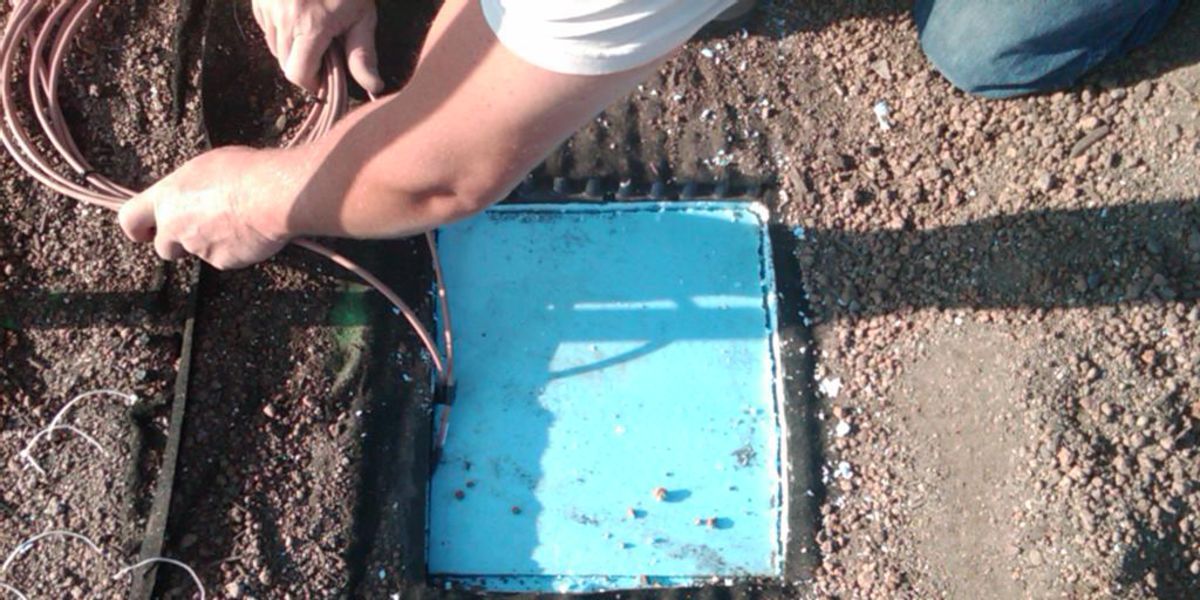
Illinois: Research Roof Garden
Monitoring conditions in research roof garden
Chicago, Illinois
March 3, 2010
View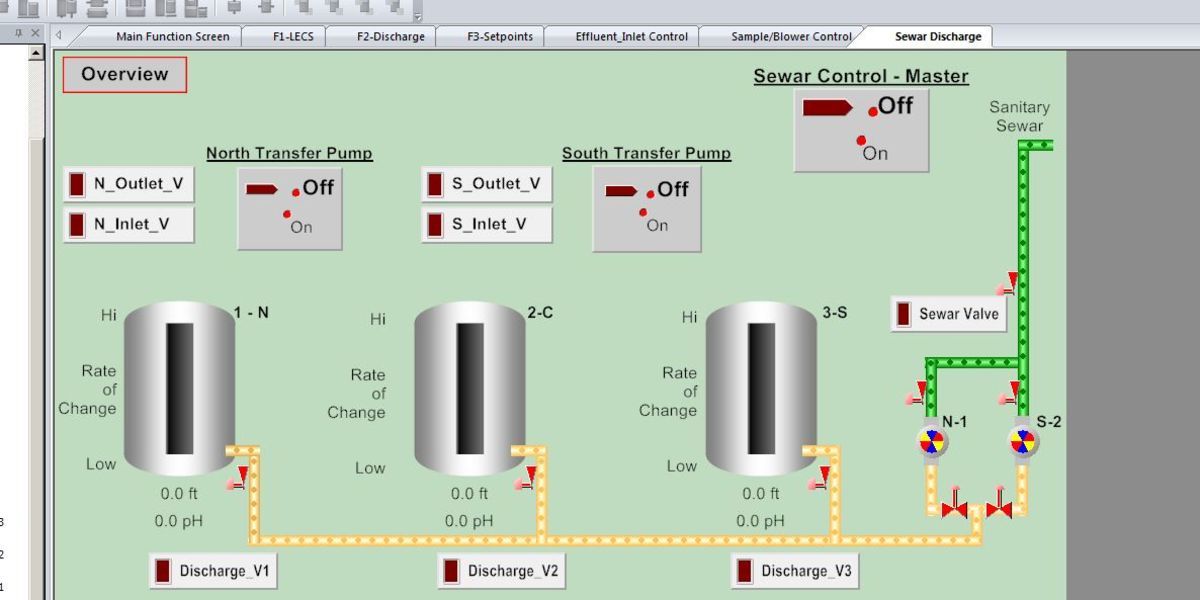
New Mexico: SCADA System
Replacing an existing SCADA system
Albuquerque, New Mexico, USA
May 4, 2017
View- View all case studies
Documents
Videos and Tutorials

Using RTMC Pro
October 31, 2023 (5:44)
How to create a screen in RTMC Pro
Watch
LoggerNet Software | Network Planner
April 16, 2013 (4:05)
Designing a PakBus™ network using the Network Planner tool in LoggerNet
Watch
CRBasic | Features
December 16, 2013 (10:36)
Key features of the CRBasic programming language
Watch
CRBasic | Help System
December 16, 2013 (3:30)
The help system within LoggerNet's CRBasic programming language
Watch- View all videos and tutorials